
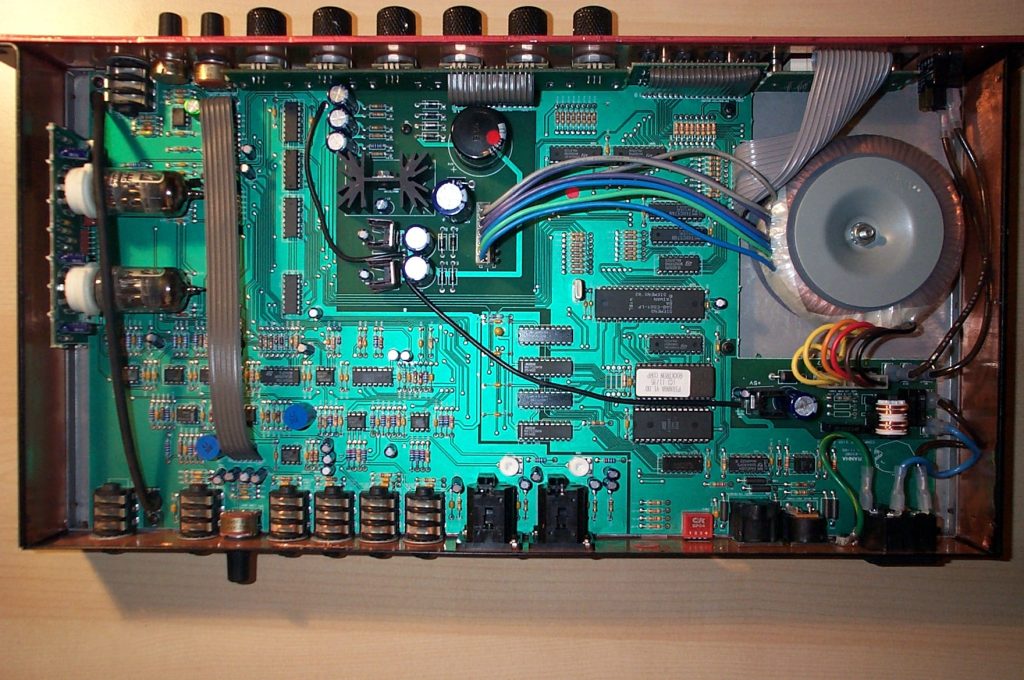
Short answer: obsolete controllers often keep running for years — the risk is not that they fail more often, but that when they do, recovery is slow, uncertain and expensive. Assess the installed base before a failure and decide, component by component, whether to stock spares, secure repair capability, qualify an alternative or plan a migration.
The main risks
- Extended downtime. Parts may take weeks to find, or may not exist at all.
- Rising cost of spares and repair. Remaining stock becomes scarce, and repair capability shrinks.
- Lost tools and know-how. Programming software may not run on current computers; experienced staff retire.
- Missing backups. Programs and parameters that exist only in the device are lost with it.
- Security exposure. Older networked devices may lack current security features.
- Inability to change. New products or regulations can require changes that the old platform cannot easily support.
A practical assessment
- List each controller, drive, HMI and network component with model, version and quantity.
- Classify its lifecycle stage using manufacturer information: current, mature, legacy, obsolete, or replacement available.
- Rate criticality — what happens to production if it fails.
- Check recoverability — are spares, backups, tools and repair available today?
- Decide the action — stock, repair, alternative, or migrate — and schedule it.
Options
| Option | When it fits |
|---|---|
| Stock strategic spares | Short remaining machine life; parts still obtainable |
| Secure repair capability | Units are repairable and failures are infrequent |
| Qualified alternative | A compatible current product exists |
| Phased migration | Long remaining machine life; high criticality |
NSPL can help identify installed components and cross-reference discontinued part numbers. Send a nameplate photo through the quote form.